Mini Guides
Short, check-first references you can scan fast
Written to be skimmed during startups and troubleshooting.
These quick reads mirror the way the app is built: conservative, practical, and focused on what to verify first before tuning a process.
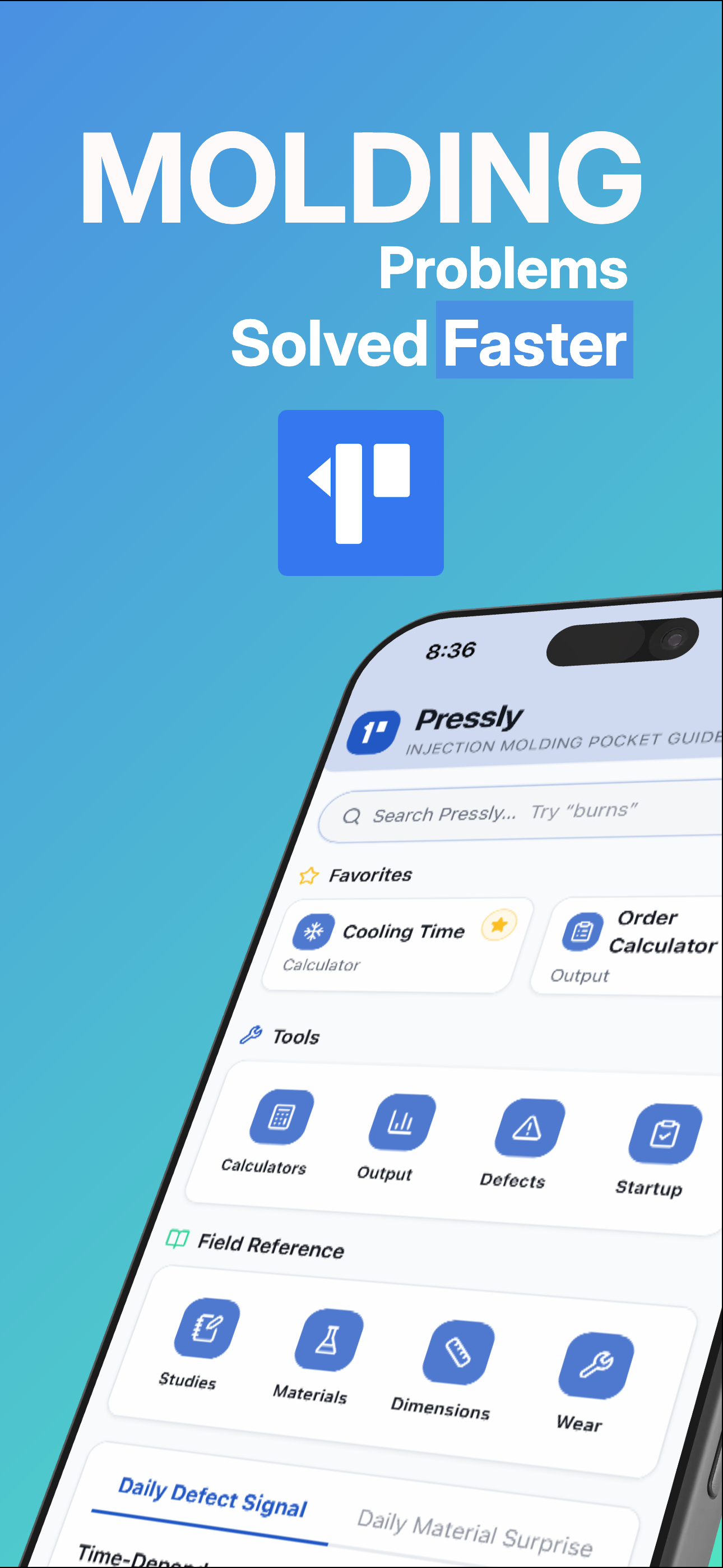
Use them as a preview of the deeper checklists, calculators, and troubleshooting tools inside Pressly.
Open the full toolkit in the app:
Download Pressly Guide.
Injection molding cooling time: what the calculator estimates
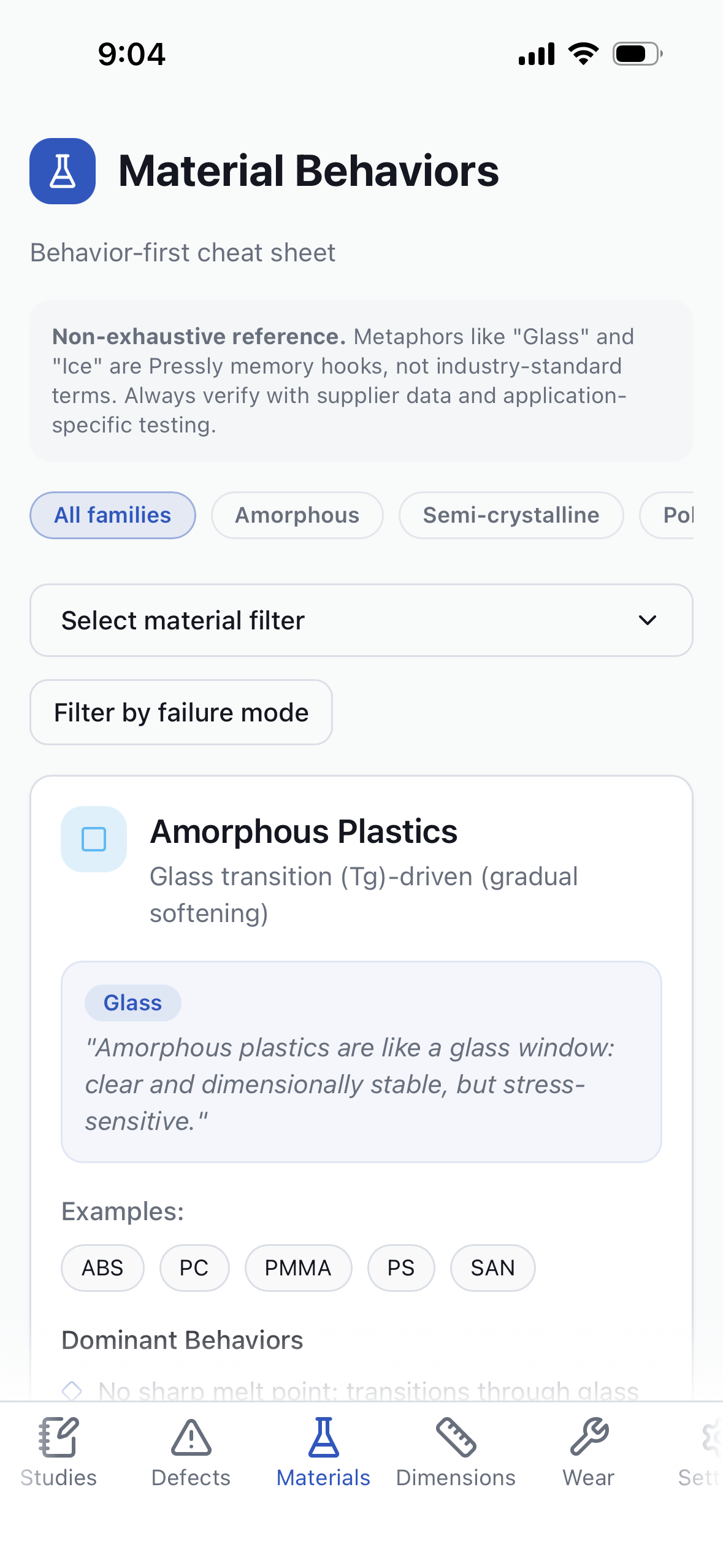
Cooling time is rarely a single fixed number. It is a working estimate based on part thickness, material behavior, and how quickly
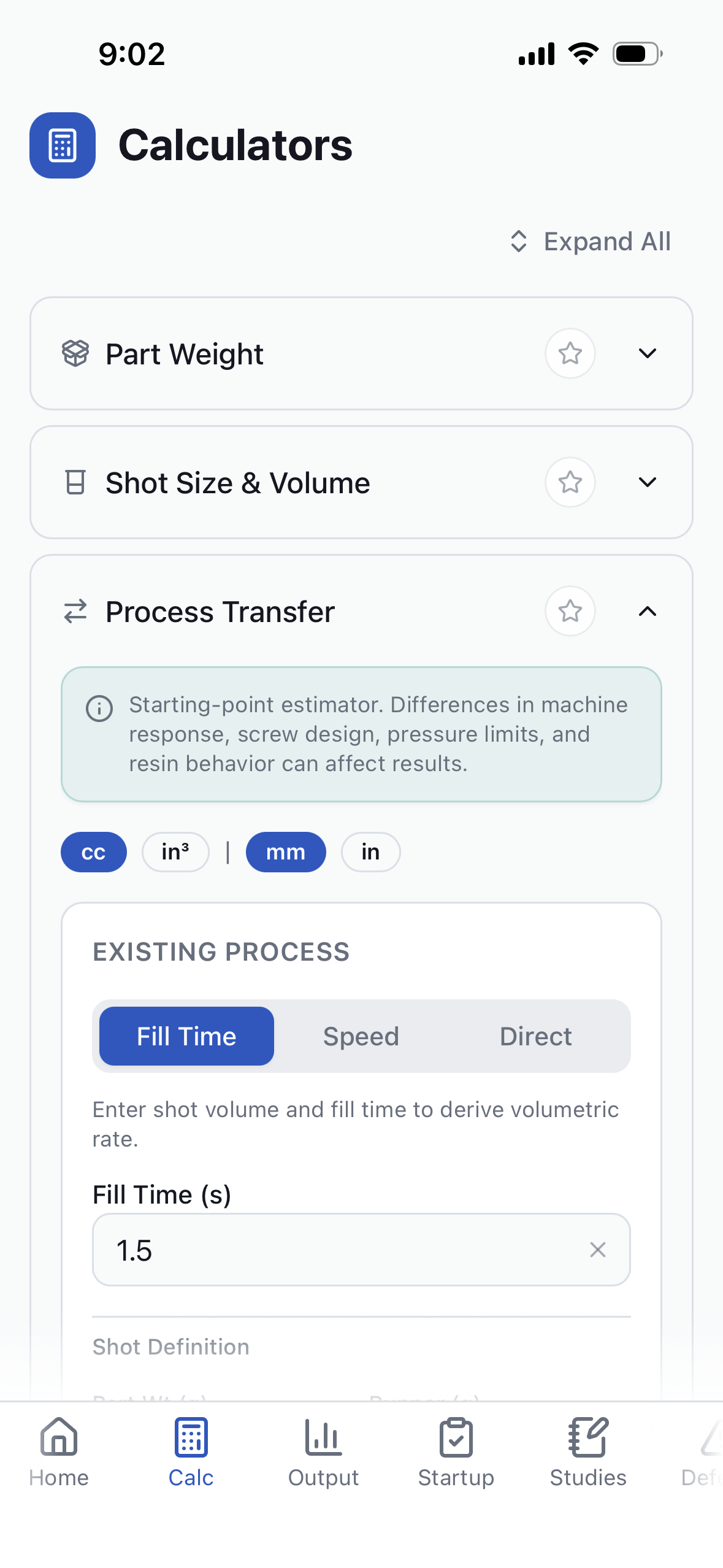
heat leaves the cavity. Pressly’s cooling time calculator gives a conservative baseline so you can sanity-check a cycle before
committing to production. It won’t replace material data, but it keeps you from running too hot, too slow, or too optimistic on
early trials. If your actual parts drift from the estimate, it usually points to heat transfer issues rather than a simple timing
mistake. Use it to frame an initial window, then tighten with real cycle data.
- Start with material data for thermal properties when available.
- Use the estimate to flag cooling imbalance or slow mold heat removal.
- Validate with part temperature and dimensional stability, not just clock time.
- Treat big deltas as a tooling or cooling-circuit clue first.
See the cooling time estimator in the app: Download Pressly Guide.
Clamp tonnage: what you’re checking and why it matters
Clamp tonnage is a safety margin against flash and tool damage, not a number to chase upward. The goal is just enough clamp to
keep the parting line stable at peak cavity pressure. Pressly’s tonnage calculator helps you sanity-check whether you are in the
right range for the projected clamp load so you do not mask a process or tooling issue with excessive force. If you have to keep
increasing tonnage to stay closed, it is often a sign of imbalance, venting, or wear that needs to be verified. Too little clamp
invites flash; too much accelerates wear and wastes energy.
- Use projected area and cavity pressure to estimate baseline tonnage.
- Check for flash and clamp sensitivity before increasing force.
- Prefer balance and venting corrections over brute force.
- Confirm mold alignment and shutoff condition when tonnage creeps.
Run the clamp tonnage check in the app: Download Pressly Guide.
Flash vs short shot: fast check-first triage
Flash and short shots can look like simple tuning problems, but they often point in opposite directions. Flash usually indicates
the cavity is being over-pressurized or the tool is not sealing. Short shots point to a fill limitation, poor venting, or a
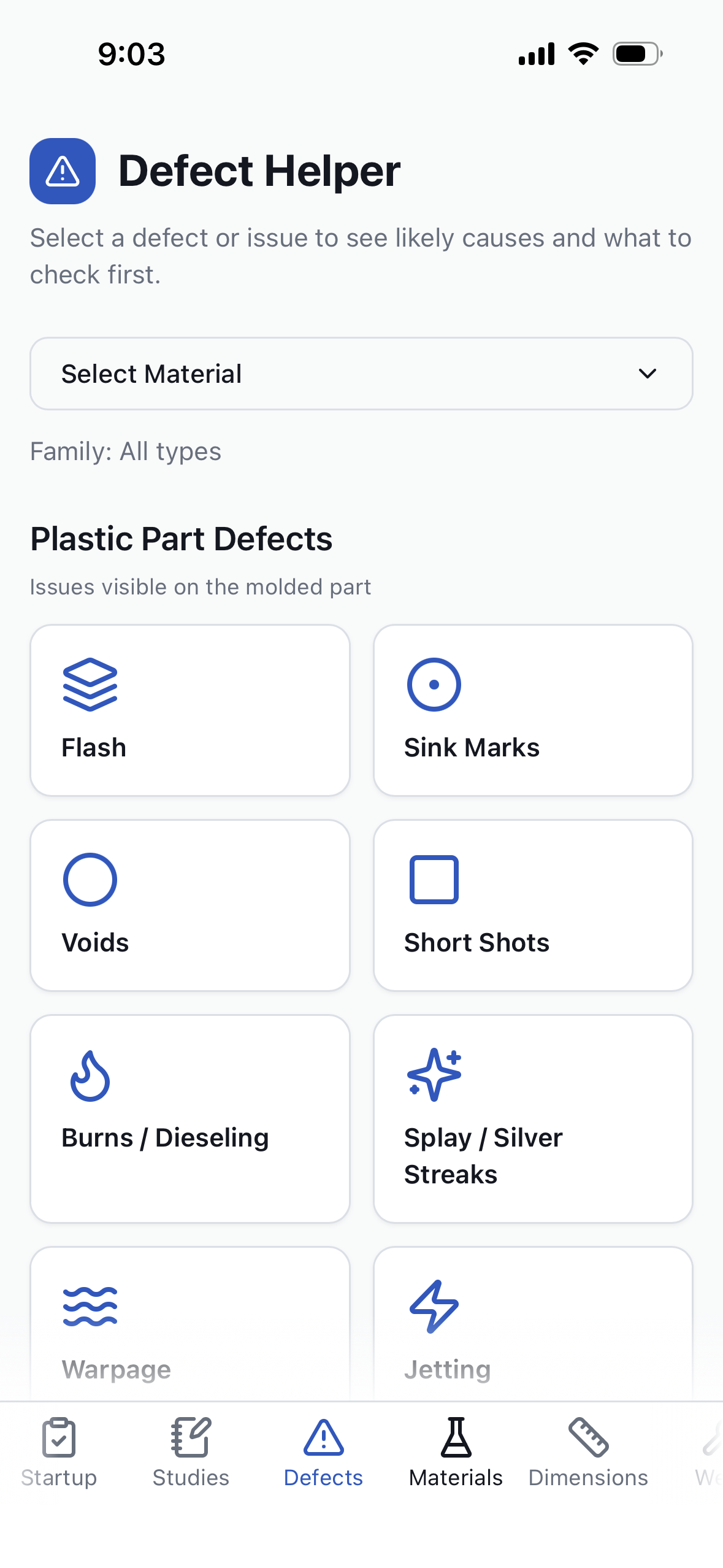
material viscosity mismatch. Pressly’s Defect Helper emphasizes what to verify first so you do not “tune away” a real root cause
or hide a tool issue. Quick triage saves hours by narrowing the checks to the right side of the problem early. Look for
repeatability: if the symptom changes shot-to-shot, start with process stability checks.
- Flash: check clamp stability, venting, and parting line wear first.
- Short shot: verify fill speed, gate freeze, and melt temperature.
- Compare cavity-to-cavity behavior to isolate tooling vs process.
- Use conservative changes to avoid masking the signal.
Open the Defect Helper in the app: Download Pressly Guide.
Startup watch-outs: early-run effects vs true problems
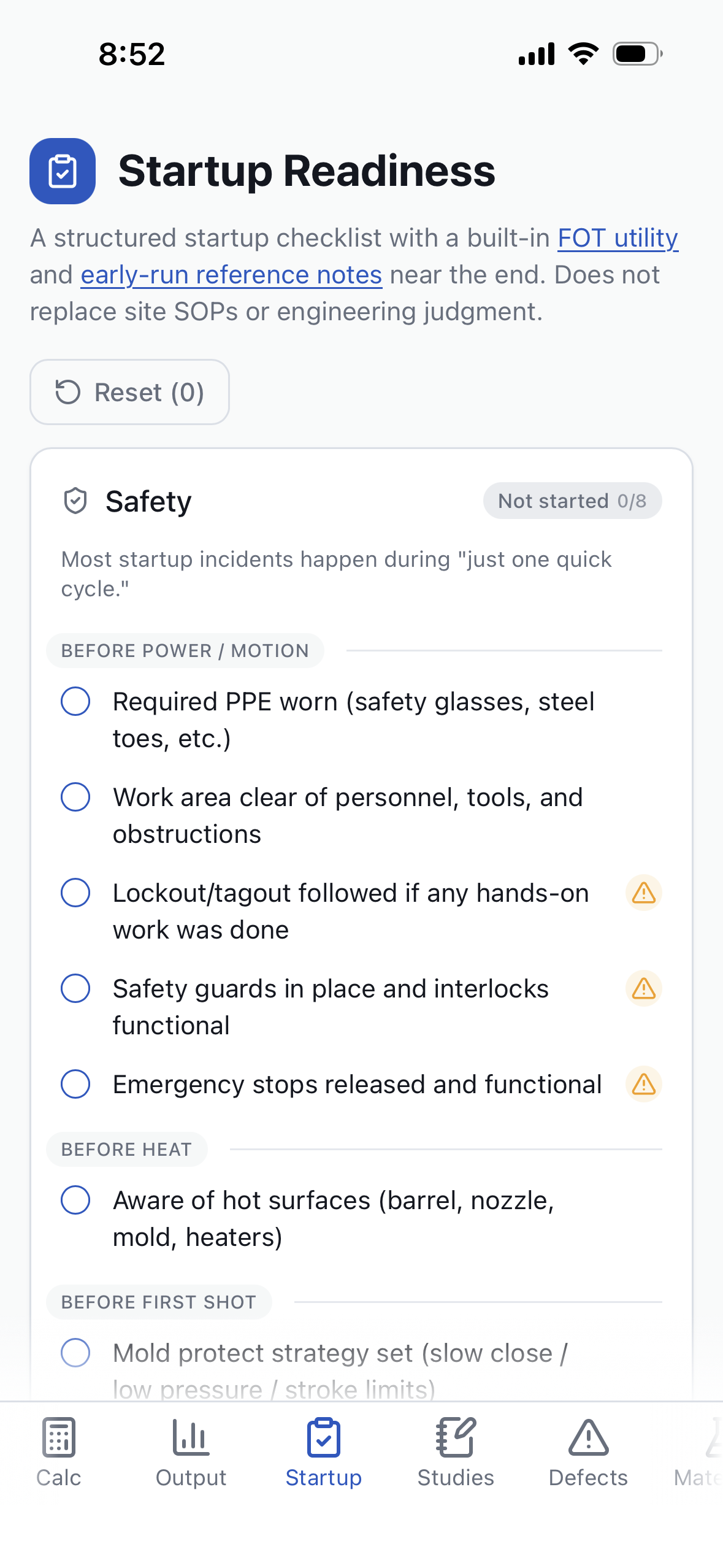
Early-run effects can mimic real defects before the tool, material, and machine stabilize. Pressly’s startup notes separate
expected warm-up behavior from true problems so you don’t chase issues that will settle out. The key is recognizing which signals
change with temperature and time versus those that persist. With a structured startup checklist, you can document what you saw,
confirm the basics, and decide whether to proceed or stop. If you log what changes during warm-up, you can separate normal drift
from true mechanical or material faults. Early-run variation is normal, but documented checklists keep the team aligned on when to
stop and investigate.
- Watch for drift that fades as mold temperature stabilizes.
- Confirm safety and motion checks before pushing cycle limits.
- Use check-first prompts to avoid over-adjusting early shots.
- Escalate if issues persist past warm-up or spread across cavities.
Review startup readiness in the app: Download Pressly Guide.